Account Information
Account Information
Here's what WeConnectU collects, who can see it, and how to control or delete your account.
What We Collect
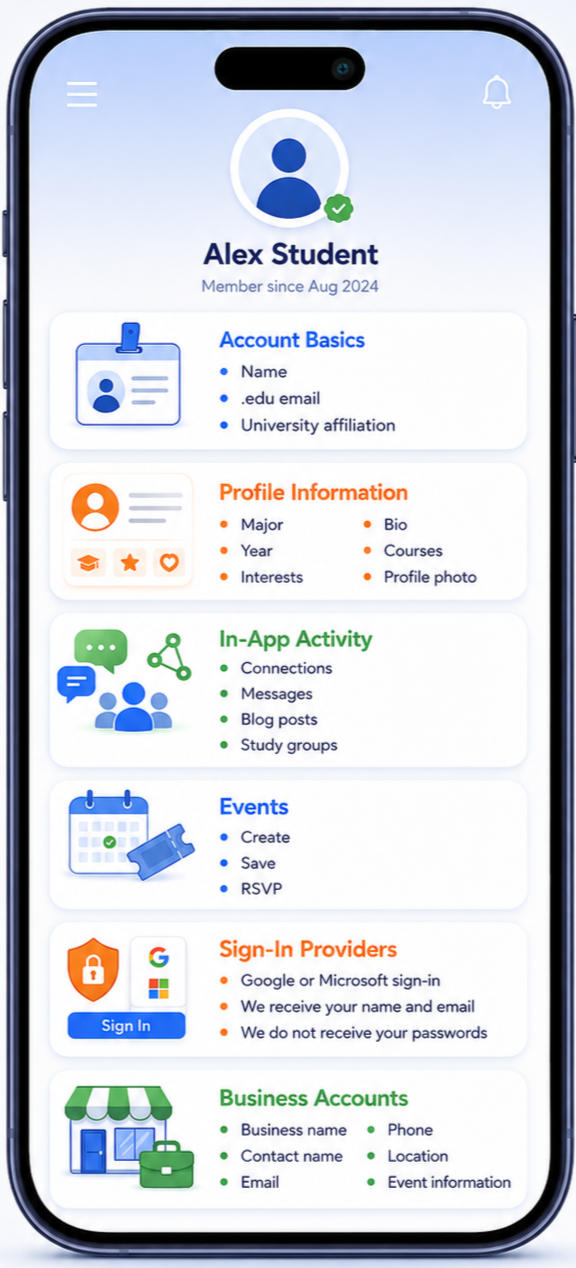
Your account
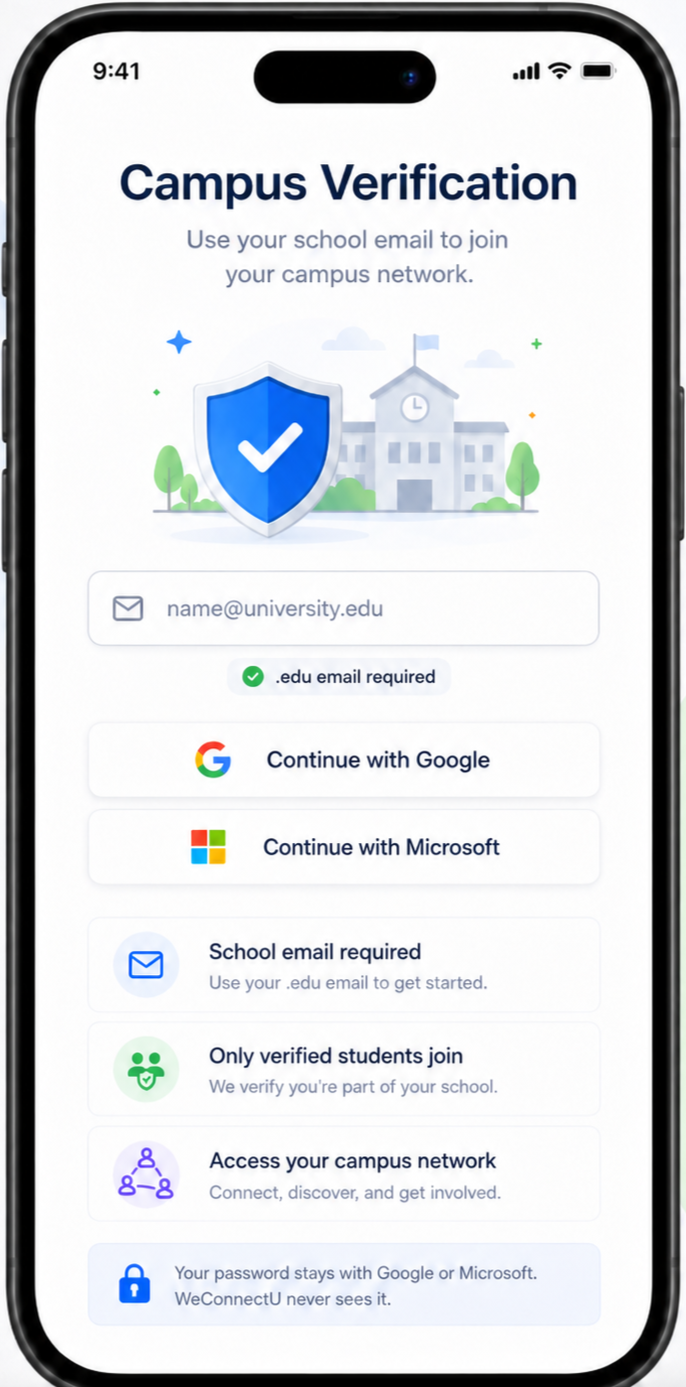
Your name and school email
Your password (stored securely; we can never see it)
Your school
Your profile (only what you choose to add)
Profile photos and academic/social photos
Your bios, major, year, and classes
Your interests, study style, social style, and what you're looking for
Your activity in the app
Connections and messages
Events you save or RSVP to, and perks you claim
Clubs, study groups, and posts you create or join
Your device
A notification token, only if you allow notifications
Error reports when something in the app breaks, so we can fix it
What we don't collect
Your location
Your contacts
Payment information
We never sell your information.
What Others Can See (self entered)
Students at your school
Your profile in Connect
Name
Photos
Bio
Major
Year
Classes
Interests
Students at other schools can't see you
Your connections: can message you, and can see when you're going to an event
Your messages: only you and the people in that chat. Our team only reviews a message if someone reports it.
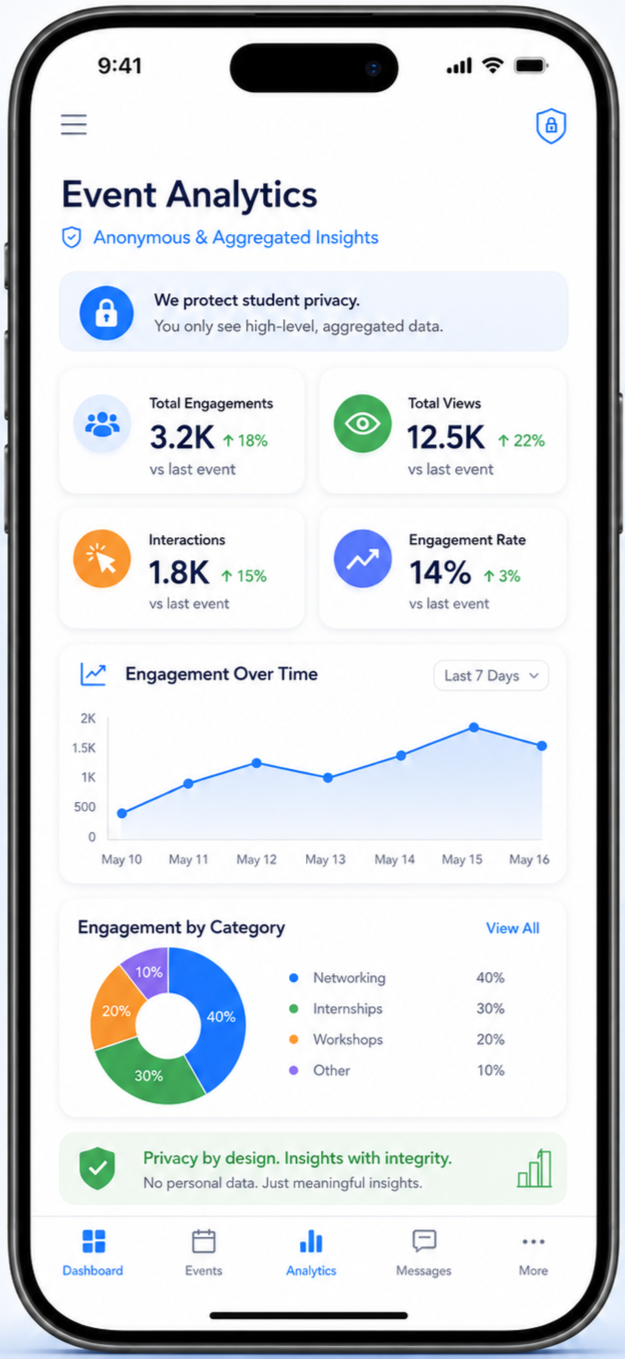
Businesses: see how many students saved, RSVP'd, or claimed a perk. They never see your name.
Your Privacy Controls
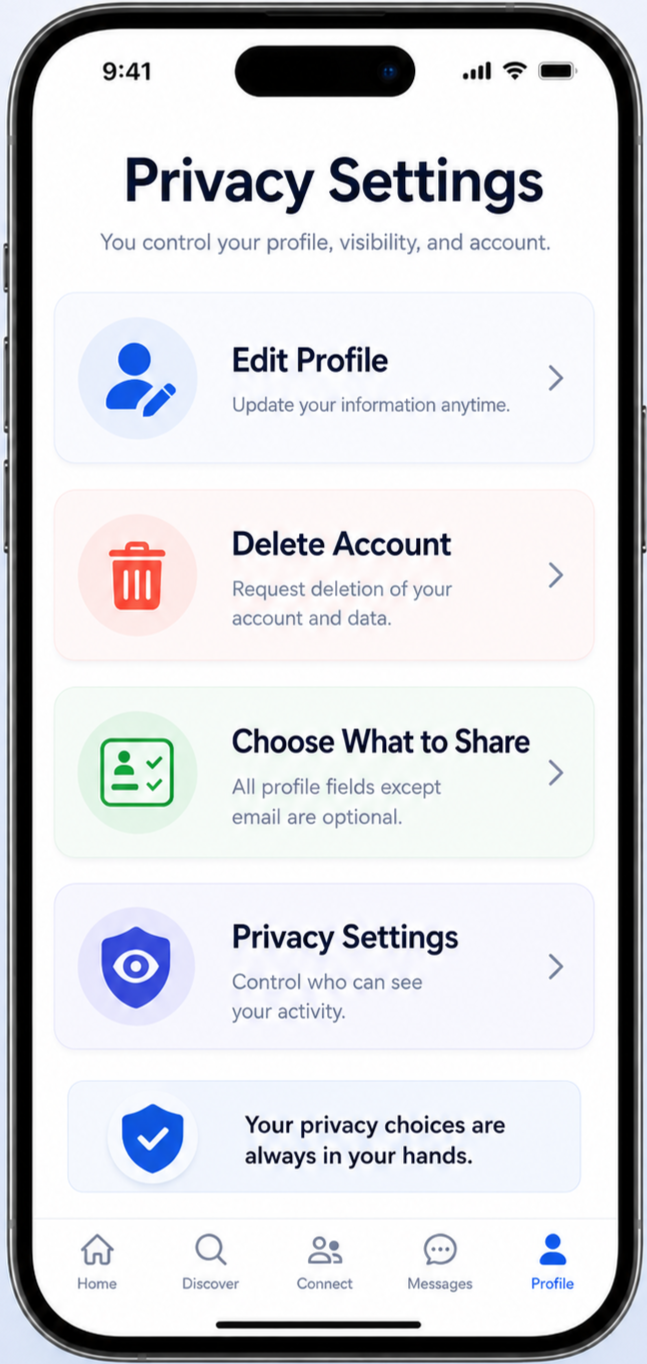
Tap the settings (gear) button at the top right of the app to:
Hide your profile from Connect
Hide your major or year
Turn off new connection requests
Choose which notifications you get
Deactivate your account (hides your profile until you log back in)
Remove some of your data without deleting your account
Edit or remove your photos, bios, major, year, classes, and interests anytime from the Profile tab.
Hide your profile from Connect, or deactivate your account, from Settings.
Want something else removed? Email support@joinweconnectu.com and we'll delete it within 7 days.
Deleting Your Account
In the app (fastest)
Students:
Open WeConnectU and sign in.
Tap the settings (gear) button at the top right.
Scroll to Account Controls and tap Delete Account.
Type DELETE to confirm. Your account is deleted right away.
Businesses:
Sign in to the business dashboard and open the Profile tab.
Tap Delete Account and type DELETE to confirm.
By email
Can't get into the app? Email support@joinweconnectu.com from the email address on your account, with the subject "Delete my WeConnectU account". We'll confirm it's you and delete your account within 7 days.
What gets deleted
Your name, profile photo, and all profile photos
Your bios, major, year, classes, interests, and preferences
Your login email and password
Your notification settings and device push tokens
Your profile is removed from Connect right away
What may be kept
Messages you already sent stay in the other person's chat, shown as from "Deleted User".
Events, posts, or study groups you created may stay visible without your name, until they end or are removed.
Reports involving your account are kept for up to 1 year to keep the community safe, then deleted.
Personal details are removed from your account immediately. Any remaining backup copies are erased within 30 days.
Questions? Email Support@joinweconnectu.com
See our full Privacy Policy